
For teachers
Digital reading record features for teachers
Everything you need to manage your class's reading in one place: add reading logs, set targets, celebrate readers and see progress at a glance, without a paper reading record in sight.
Reading logs
Adding a reading log
Teachers can easily add a reading log to any pupil in their class. The log is then added against that pupil's reading book.
Weekly reading targets
Setting reading targets
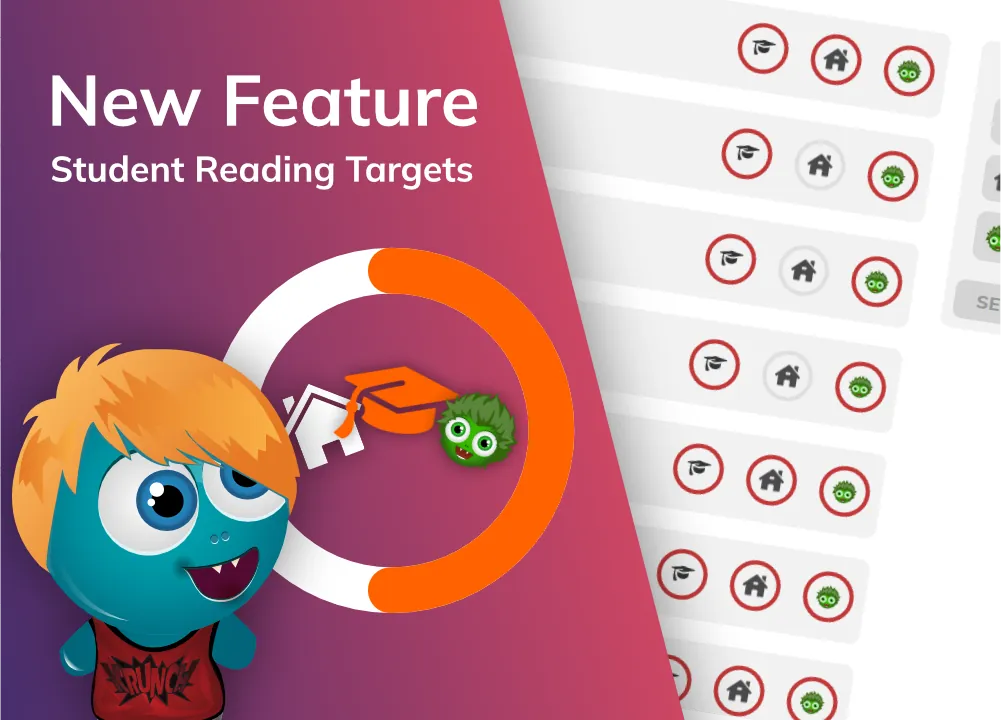
Teachers can set reading targets for teacher logs, pupil logs and parent logs. Teachers can then see a traffic light overview of their class so they can easily gauge reading progress at a glance.
Weekly targets live on the Reading Targets tab of your teacher dashboard, and pupils earn gems when they hit them.
Class overview
Class activity feed
Teachers can quickly see the status of their class with the activity feed. This allows teachers to monitor activity and give recognition when needed.
Peer recommendation
Book reviews
Teachers can see book reviews that pupils have written upon completing a book. The teacher can edit, publish and archive a review.
Published reviews are then shown to pupils in their class.
Rewards
Award pupils for reading
Gems are a currency built into the platform. Pupils can use this currency to buy trading cards and customisations for their characters. Each time a child reads, they earn gems, and teachers can assign bonus gems from the pupil's profile page.
See what pupils spend their gems on in pupil features.
Support
Flag pupils
Teachers can assign flags to pupils in their class. Your school can decide what the flags represent. We suggest flagging your lowest 20% of readers to allow for easy tracking and support.
Reading data
Data overview
Track pupil reading data in our data dashboard. Teachers can see the reading frequency on a weekly basis for their class and compare it to previous weeks. Gain access to data lost with paper reading diaries!
Want whole-school analysis, pupil groups and national comparisons? Take a look at the Data Dashboard add-on.
New releases
What's new in BoomReader
We keep adding features that schools ask for. Here are the latest additions. Read the full stories on our blog.
Teacher dashboard
Weekly reading targets
Set weekly reading targets for pupils, parents or even yourself, track progress at a glance, and reward pupils with gems when they hit them.
See reading targets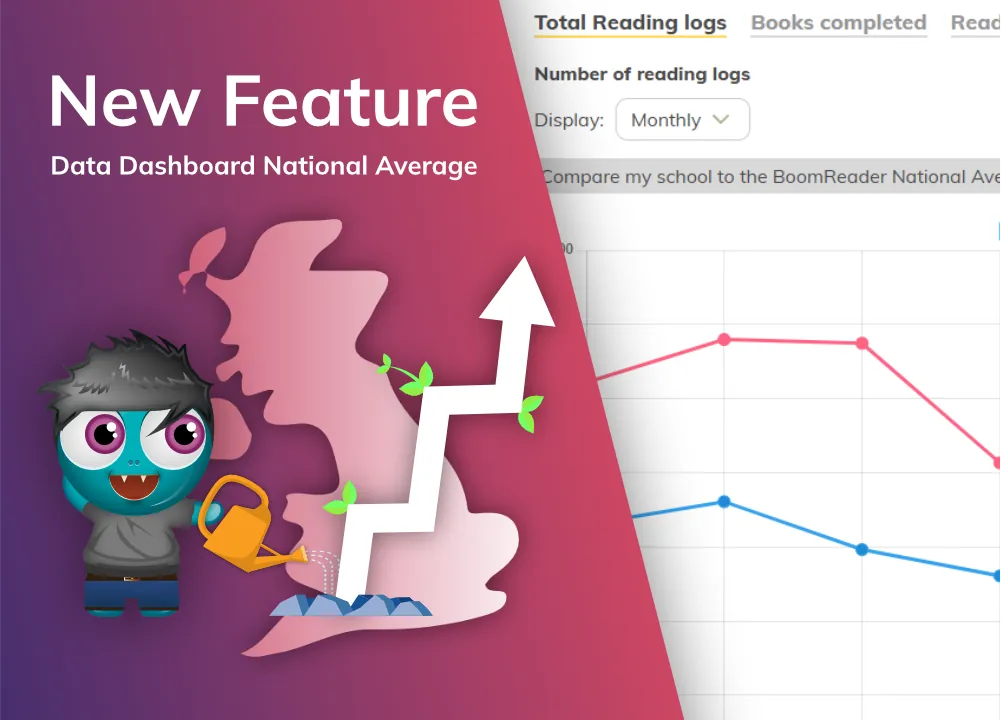
Data Dashboard
Compare with the national average
Schools with the Data Dashboard can compare their reading frequency with the BoomReader National Average, a rolling average from pupils across the UK.
See the Data Dashboard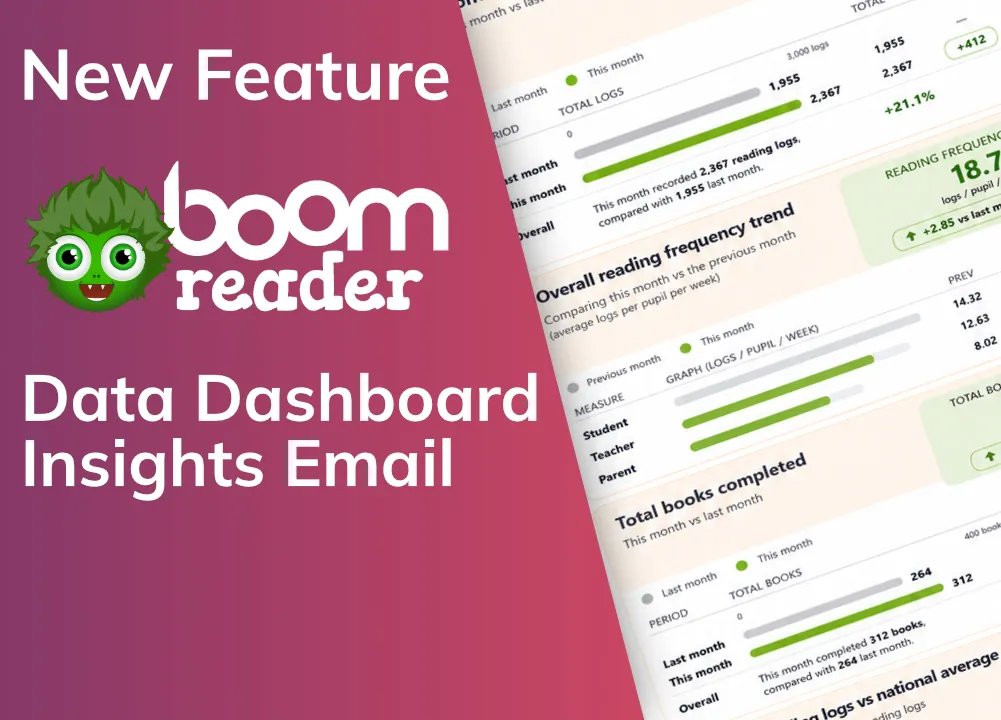
Data Dashboard
Monthly Data Insights emails
Data Dashboard schools receive a clear, visual summary of their key reading data straight to school admins' inboxes each month.
Find out more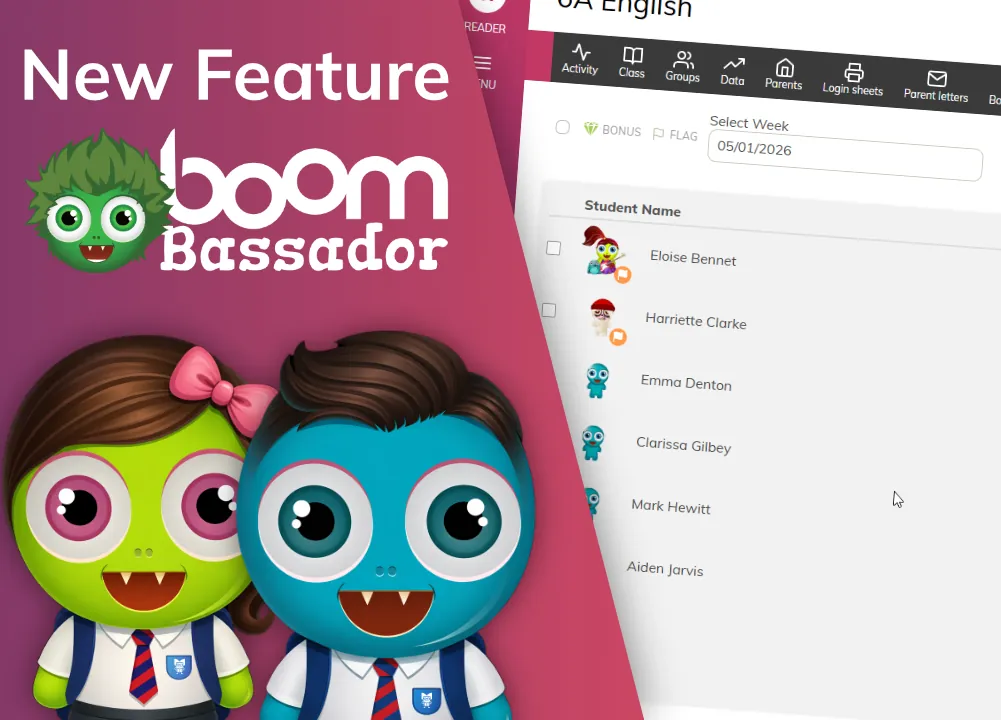
Whole school
BoomBassadors
Give selected pupils extra permissions to find other pupils and log reading on their behalf, encouraging peer-to-peer reading.
Meet the BoomBassadors
Explore more of BoomReader
Pupil features
Logging reading, targets, book reviews, gems, Boomer customisation and trading cards.
Find out moreData Dashboard
Whole-school reading data, group analysis and national comparisons. £1.00 per pupil per year.
Find out moreWonde MIS integration
Pull your staff, pupils and classes straight from your MIS into BoomReader.
Find out more
Ready to ditch the paper reading record?
Try BoomReader free for 30 days with your whole school, or book a demo and we'll show you the teacher dashboard.