Never forgotten
Your child's reading diary will never be left at home on the busy school run!

Who are you logging in as?
Teacher or school staffboomhub.app Pupilpupils.boomhub.app Parent or carerparents.boomhub.appFor parents & carers
Download the free BoomReader Parents app to start logging your child's reading in just a few taps.
No smartphone? Use the web app instead
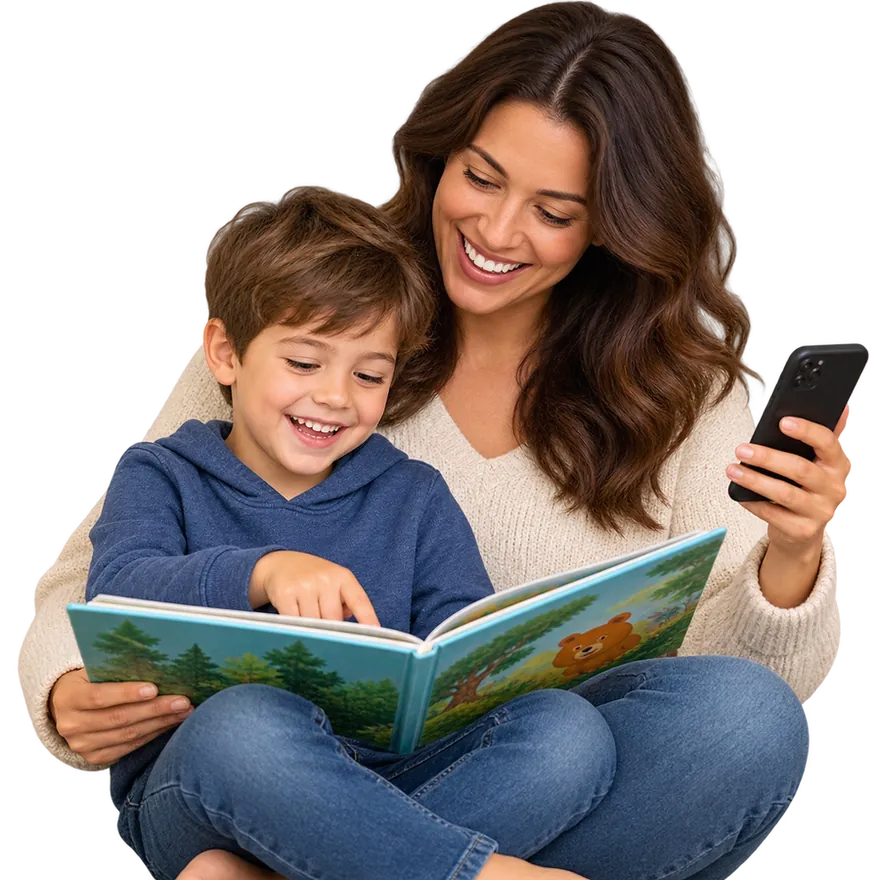
Using BoomReader means no log is ever lost or wasted. Your child's record builds over time and provides a full, meaningful picture of their reading all the way through school.
Your child's reading diary will never be left at home on the busy school run!
No damaged or ruined reading diaries, and the valuable information is never lost!
Every parent or carer can access the diary at any time. No more asking: "Has anyone seen the diary?"
It's easy to see all reading for your children in one place, with no more searching for separate diaries.
Watch our quick walkthrough to see how easy it is to log reading and follow your child's progress.
BoomReader is designed to make logging reading quick and easy whilst providing schools with the reading insights they need.
But BoomReader is so much more...
By swapping to digital reading records, you are helping your child's school to gain a better understanding of reading and save hours of valuable teacher time.
With BoomReader, teachers have instant, searchable access to reading data which can help improve reading outcomes.
Going digital saves needless paper usage. As there's never a need to replace lost books, it can save schools money too.
Simple, playful ideas for sharing books together, from the activities teachers use in class. No special kit, and none of them take long.
You'll need an email address and the letter from school containing your child's unique PIN code.
Search: BoomReader Parents
Create your account using your own email address.
Use the school code and PIN code from your child's letter.
Don't worry, you can use our simple web app right here in your browser. One parent account gives you access to both the mobile and web apps.