Blog · BoomReader · New features
🎯 New on BoomReader: Set Weekly Reading Targets and Boost Motivation!

We’re thrilled to announce a powerful new addition to the BoomReader teacher dashboard—Reading Targets! This highly requested feature empowers teachers to set and monitor weekly reading goals, keeping pupils, parents, and teachers engaged and motivated like never before.
What’s New?
Teachers now have access to a dedicated Reading Targets screen within their dashboard. From here, they can:
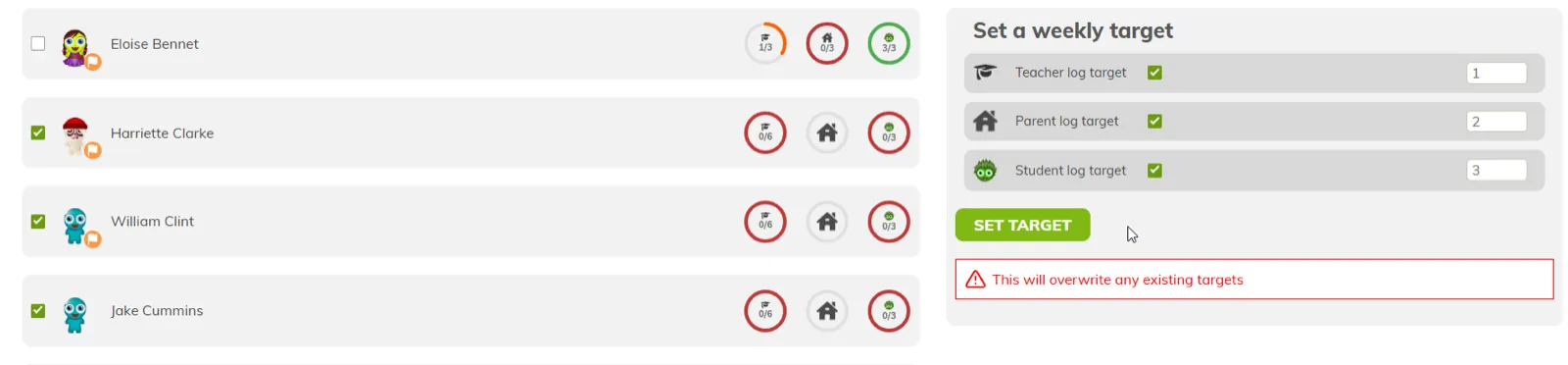
👩🏫 Set Weekly Reading Targets for students, parents, or even themselves
📈 Track Progress at a Glance with our clean and intuitive UI
💎 Reward Achievement: Students earn gems, BoomReader’s in-platform currency, when they hit their targets!
Whether you’re aiming to build better reading habits, boost home reading engagement, or simply give your class an extra motivational nudge, this new tool is designed to make it easier and more rewarding for everyone involved.
Why We Built It
This feature comes directly from feedback we’ve heard from educators across the BoomReader community. Teachers asked for a quick and easy way to encourage regular reading, and we listened. Reading Targets were designed to save you time, boost pupil participation, and make tracking reading even more impactful.
How to Get Started
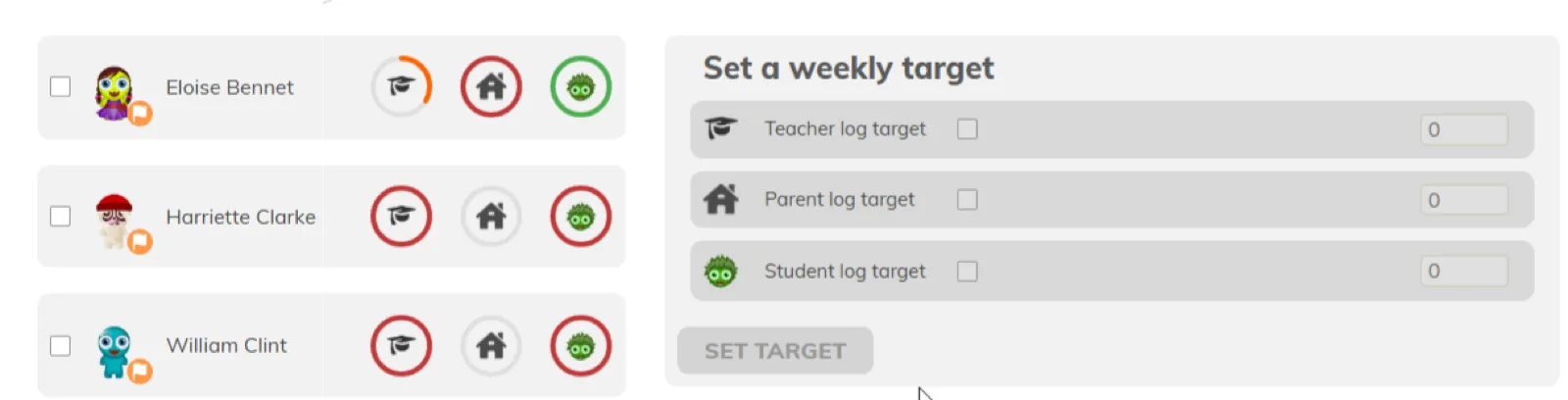
Simply log in to your BoomReader teacher dashboard and click on the new Reading Targets tab. It’s quick. It’s flexible. And it’s built to help you foster a culture of consistent reading in your classroom.
💬 We can’t wait to hear how you use Reading Targets in your school. Let us know what you think, and keep the feedback coming—we’re always working to make BoomReader even better for you.
Ready to set your first reading target? Head to your dashboard now!